Free Text Extractor
Free Image to Text Extractor
In today’s digital-first world, efficiently extracting text from images is crucial for everyone from professionals to hobbyists. We are excited to offer a solution that simplifies this process with our free Image to Text Extractor. Our tool supports PNG, JPEG and PDF files, including scanned PDFs.
Our Image to Text Extractor or PDF to Text Extractor is designed to serve a wide array of linguistic needs. We proudly support several languages, including English, Hindi, Bengali, Marathi, Telugu, Tamil, Gujarati, Urdu, and Kannada. This makes our tool incredibly versatile for users across different regions of India, enabling them to digitize documents in their native languages with precision.
Whether you’re converting handwritten notes in Marathi or official documents in Tamil, our extractor ensures high accuracy across all supported languages, making text extraction more accessible for everyone.
Here’s how our tool is revolutionizing the way you interact with your digital documents.
What is an Image to Text Extractor?
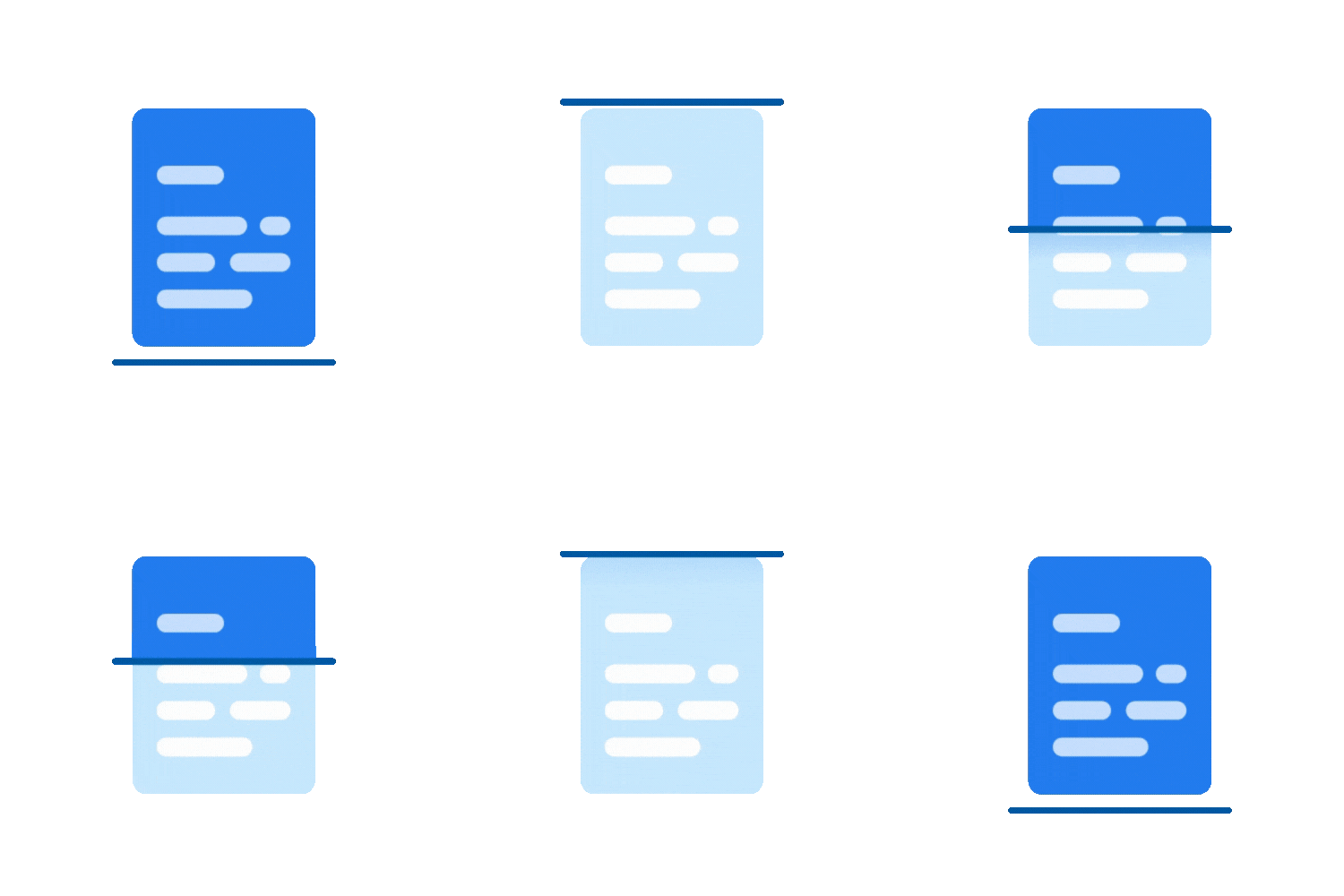
Our tool uses state-of-the-art Optical Character Recognition (OCR) technology to detect and convert text embedded in images into a digitally editable format. It’s built to handle popular image formats and scanned PDF documents — making it a versatile choice for every text-extraction need.
Made for the way you actually work
Students
Digitize class notes effortlessly. Convert handwritten lectures, printed textbook excerpts, and reference materials into editable formats you can search, edit.
Researchers
Convert printed data, journal articles, and field notes into editable formats. Build searchable archives from scanned reference material in minutes — not hours.
Businesses
Streamline data entry by digitizing records — invoices, receipts, contracts, and forms. Cut manual transcription costs and accelerate document workflows.
Extract text in your native language
Designed to serve a wide array of linguistic needs — supporting users across different regions of India. Whether you’re converting handwritten notes in Marathi or official documents in Tamil, our extractor ensures high accuracy across every supported language.
Built to make text extraction seamless
High Accuracy
Advanced OCR ensures precise recognition across different fonts, styles, and document layouts
Multiple Languages
Effectively handles English, Hindi, and 7 more Indian languages — making it ideal for a diverse user base.
Multi-Page PDFs
Reads every page of a multi-page scanned PDF in one pass, not just the first.
Easy Integration
Seamlessly fits into various digital workflows — enhancing overall productivity from day one.
From image text to editable text, everywhere it matters
Academic use
- Digitize textbook excerpts
- Convert lecture handouts
- Build searchable study notes
Business solutions
- Invoice & receipt digitization
- Contract and form scanning
- Faster, cleaner data entry
Enhancing accessibility
- Screen-reader compatible output
- Multilingual accessibility
- Inclusive document workflows
Overcoming challenges & the future of OCR
From text in image to text — overcoming challenges
- Handles low-resolution and noisy scans
- Recognises decorative and non-standard fonts
- Corrects skew, rotation, and uneven lighting
- Works with mixed-language documents
Looking ahead — the future of image-to-text conversion
- Real-time mobile camera extraction
- Native support for more regional scripts
- Contextual understanding of document structure
- Smarter handwriting recognition
Image to text extractor questions
Q1Is the image to text extractor free?
Yes. Extracting text is free and needs no account. Upload a JPEG, PNG or PDF, choose the language of the document, and the text appears on screen. We ask for your name and email only if you want to download the result as a .txt file.
Q2Which file formats can I upload?
JPEG, PNG and PDF, including scanned PDFs. Multi-page PDFs are read all the way through — every page is processed and returned as a single block of text.
Q3Which languages does the extractor support?
Nine: English, Hindi, Bengali, Marathi, Telugu, Tamil, Gujarati, Urdu and Kannada. Select your document's language before extracting — accuracy drops sharply if the wrong one is chosen.
Q4Do you store the documents I upload?
No. Your file is processed in a temporary location and is never written to our servers. Page images generated from PDFs are deleted the moment extraction finishes, and the upload itself is discarded when the request ends.
Q5Why is some of my extracted text inaccurate?
OCR accuracy depends on the source. Low-resolution scans, skewed photographs, heavy background patterns and handwriting all reduce it, as does selecting the wrong language. For production volumes, or documents that have to be right every time, the DocuExprt enterprise API adds layout analysis, field-level validation and confidence scoring. Book a free demo.
In Conclusion
Our free Image to Text Extractor is an essential part of your digital toolset, whether you’re extracting information from academic notes, business documents, or any digital image that contains text.
As we continue to enhance our technology, expect our tool to deliver even greater capabilities, making digital content more accessible and actionable for everyone.
Explore the convenience of our free tool today and experience how easy it is to transform your images into editable text.
Extracting from a stack, not a file?
Reading the document is the easy part.
The work is doing it for every invoice, contract or statement that arrives — with the fields you actually need pulled out, validated, and handed to the system that consumes them.